
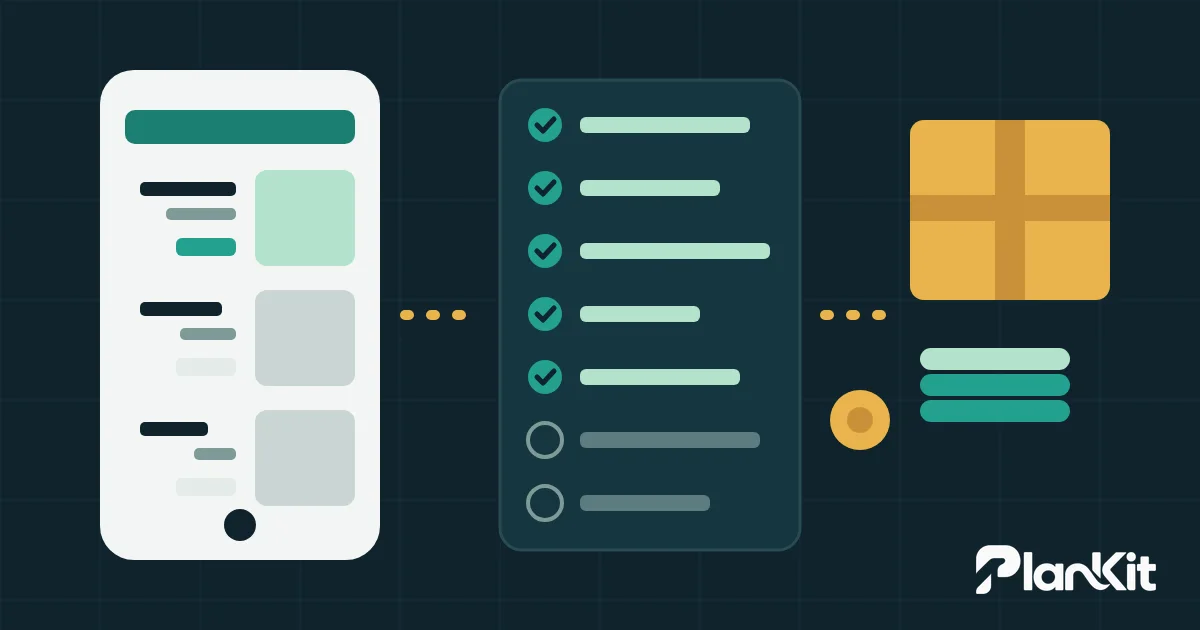
To launch a Shopify store that sells in Egypt, work through seven steps in this order: register your activity with the tax authority, pick a plan based on the fee for outside payment providers, set the store currency to Egyptian pounds with a theme that handles Arabic right to left, connect an Egyptian payment gateway that has a Shopify app, turn on cash on delivery, set shipping zones and a courier, and then run a real order end to end before spending anything on ads.
Payments are the hard part. Shopify Payments, the platform's own payment service, is not available in Egypt, so you rely on an outside provider and pay an extra fee you should count from day one. We checked every source on 26 November 2026, mostly Shopify's own pages and the providers' pages. This is practical guidance, not legal or tax advice. Rules and fees change, so open the links before you decide.
Is a Shopify store in Egypt the right choice for you
Shopify fits if you need many apps or plan to sell outside Egypt later, and you accept a subscription in dollars plus a fee on every online payment. If you sell only inside Egypt and most orders are cash on delivery, compare first, because other platforms may sit closer to your market. That comparison is in Salla, Zid and Shopify compared for Saudi Arabia and Egypt, and if your sales logic fits no platform, see the decision table for a ready-made platform or a custom store.
The number most tutorials skip is the third-party transaction fee. Shopify's pricing page lists it at 2% on Basic, 1% on Grow and 0.6% on Advanced for transactions through outside providers, and the help centre confirms it applies to all transactions processed through third-party gateways. That sits on top of the gateway's own fee. Shopify does not charge it on manual payment methods such as cash on delivery.
A hypothetical example: a store taking one hundred thousand pounds a month in online payments on Basic pays Shopify two thousand pounds a month in extra fees, before the gateway's charges. On Grow that halves, but the subscription is higher. Work out both against your expected online sales and take the cheaper total.
Step one is the paperwork
Register with the Egyptian Tax Authority before your first sale. The authority has asked people selling online to register quickly and open tax files, citing the Income Tax Law 91 of 2005, the VAT Law 67 of 2016 and the Unified Tax Procedures Law 206 of 2020. Its hotline for these questions is 16395.
- Commercial register: run by the Internal Trade Development Authority under the Ministry of Supply, which is adding service points. A company gets it as part of incorporation. If you trade as an individual, ask your accountant which form suits you.
- Tax card and VAT: the authority states the VAT registration threshold is EGP 500,000 and the application is due within thirty days of starting the activity. That notice is from April 2022, so confirm it still holds.
- E-receipts: taxpayers named in the authority's decisions issue an e-receipt for every consumer sale. Who is covered and how to check your position is in what e-invoicing requires of your company in Saudi Arabia and Egypt. For Shopify, Paymob has an app that submits store orders to the authority as e-receipts. It launched in July 2026, so try it on test orders first.
Other legal points, such as what you must show customers and the return period, are covered in how to build an online store.
Step two is choosing a plan
Three questions decide the plan: how much you will take in online payments as opposed to cash on delivery, how many staff need the admin, and which reports you will read every week. The first one sets your third-party fee, and that usually matters more than the gap between subscriptions.
Two things before you pay. The prices we read on the pricing page were in US dollars, so go by the price shown to you at sign-up. And Shopify only lets you test a payment gateway after you choose a paid plan, which means payment testing cannot wait until after launch.
Step three is currency, language and an Arabic theme
Set the store currency to Egyptian pounds on day one, in the general settings. Without Shopify Payments, customers can check out only in the store currency, even if you display other currencies. Changing it after your first order asks you to confirm that you understand the risk, so settle it early.
Arabic needs a theme built for right-to-left text. Shopify says the latest Horizon family themes support right-to-left languages such as Arabic, and checkout is translated into Arabic. For any other theme, free or paid, load your own products on a mid-range phone before buying it and check that menus, prices and icons face the right way.
If your customers read Arabic, make it the store's default language and add English as a second one. The store falls back to the default language when a translation is missing, and you supply the translations yourself, so do not publish a language you will not translate.
Step four is a payment gateway that works with Shopify in Egypt
Look for gateways inside your admin, under Settings and then Payments, since Shopify says available providers depend on where your business is based. The table sums up what the official docs and Shopify App Store listings showed on 26 November 2026. The names are examples, not recommendations, and the full comparison criteria are in how to choose payment gateways in Saudi Arabia and Egypt.
| Gateway | What we found | What to ask |
|---|---|---|
| Paymob | Several apps: one sends customers to Paymob's checkout with every method enabled on your account, a card app works inside Shopify checkout and also enables Apple Pay, and separate apps cover instalments such as valU, Sympl and Souhoola. The listing says it is free to install, with fees set by your contract | Which methods will be live on your account, Meeza cards and wallets included |
| Kashier | An app that takes cards, wallets and bank instalments inside your checkout without a redirect, with a test mode and EGP support. The app is listed as free | Transaction fees and payout timing |
| Geidea | Its listing says the app is not currently available on the Shopify App Store | Ask the company when it returns |
| Fawry | We found no app built by Fawry itself on the App Store | Ask your gateway whether its checkout offers cash payment at Fawry outlets |
An app in the store does not mean every method works for you. Get a written list of the methods that will be live on your account, switch on test mode, and confirm the provider shows up on your Payments page before moving on.
Step five is cash on delivery
Cash on delivery is a manual payment method in Shopify, switched on under Settings, Payments, then manual payment methods. Add clear instructions that appear at checkout, for example that the courier takes cash only. The name "Cash on Delivery (COD)" is reserved for the built-in method, so a custom method cannot use it.
Manually paid orders show as unpaid on the Orders page, and you mark them paid once the money arrives. Agree with your courier on when collected cash is transferred, and match their statement against your orders every week. Otherwise delivered orders will keep showing as unpaid.
A hypothetical example: out of ten cash orders, two customers refuse at the door. You pay shipping both ways on those two, and the stock is away from your shelves for days. Put that cost into your profit per order, and consider confirming each order by message before it ships. How to confirm, and how to deal with the other causes of refusal, is in how to cut refused cash-on-delivery orders in your online store.
Step six is shipping zones and a courier
Create a shipping zone for Egypt containing the governorates you actually serve, and give it a rate. Shopify lets a zone hold countries and regions within them, with rates based on weight or order value. If some governorates cost more or take longer, give them their own zone with a different rate and delivery time, and show that difference early.
Then connect the courier so nobody retypes orders. On the App Store we found:
- Bosta has two apps. The older one syncs orders, books pickups and gives customers tracking, and its description promises next-day transfer of cash collected on delivery, which is the company's claim, so put it in the contract. The newer one, launched in June 2026, sends orders to Bosta one by one or in bulk and updates fulfilment status automatically.
- Aramex: its official listing says the app is not currently available on the Shopify App Store, so if you use Aramex, ask them how to connect today.
- Any other courier: search for it in the App Store and read the last update date and recent reviews before installing.
Write real delivery times per zone into your shipping policy. Shopify links the shipping policy on product pages and in the cart and puts all policy links in the checkout footer. Draft the returns, privacy and terms policies on the Policies page and review them with your adviser.
What to test before you launch
Test the purchase the way a customer will make it, on a mid-range phone and in Arabic, and do not trust the theme preview. In this order:
| Test | What it confirms |
|---|---|
| An order through Shopify's test gateway | Orders and notifications work. Test orders are free and stay out of your reports |
| A real card order, then cancel and refund it | Money arrives and refunds work. The gateway may charge for this |
| A wallet order | The method really is live on your account |
| A cash order that goes through the courier to delivery | It reaches the courier, tracking works, cash is transferred, and the order turns paid |
| An address in a distant governorate | The shipping price and time are right |
| A product return | The steps, and who pays the return shipping |
| An e-receipt, if you must issue them | The order reached the authority and was not rejected |
| Confirmation and shipping messages | They are in Arabic with correct order details |
| Measurement | Add to cart, begin checkout and purchase events arrive with the right values, as in setting up conversion tracking |
After launch, watch where visitors stop before buying and follow the check in why people visit your store and do not buy. If they stop on the product page itself, rework its text and photos with how to write a product page that sells. If you also sell in Saudi Arabia, payments and registration work differently there, as set out in how to get a Shopify store ready to sell in Saudi Arabia, so do not copy your Egyptian settings across.
Your next step
Write down today the methods your customers actually pay with and each one's share of your orders, then work out the third-party fee on each plan. Next, contact two gateways with Shopify apps and get their methods and fees in writing, and agree terms with at least one courier. If you want someone to set up the store, connect payments and shipping, and test an order from start to finish, that is the work of PlanKit's e-commerce solutions team, and you can start from the online store page.