
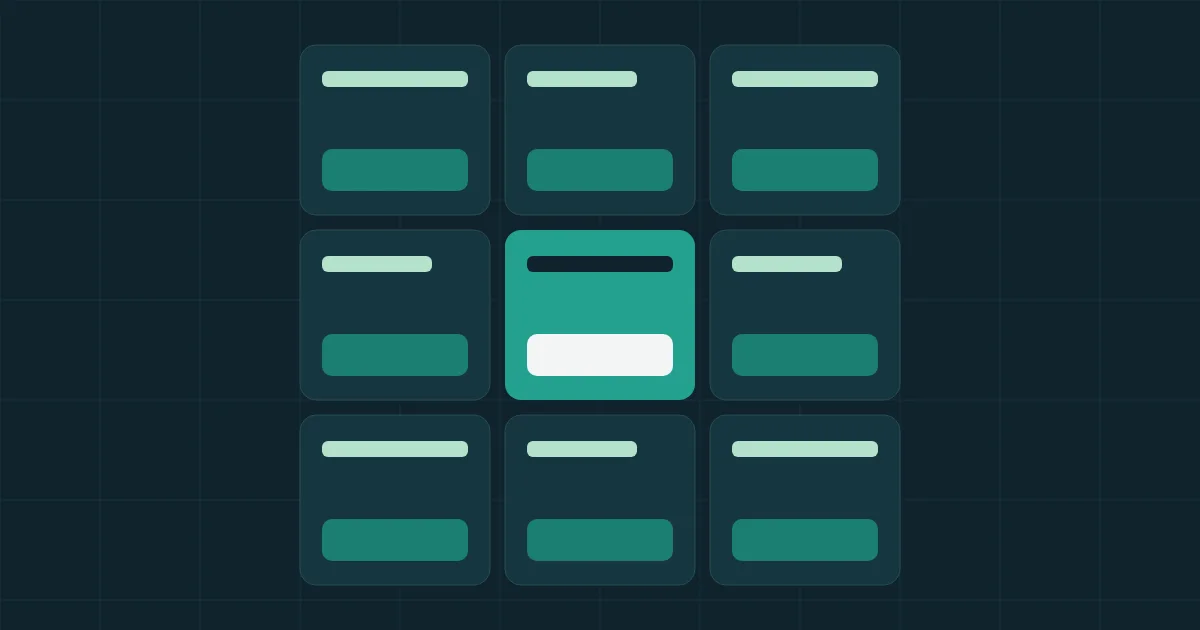
A social media template system means designing a type of post once, then dropping each new piece of content of that type into it. Instead of ordering a design for every tip or offer, the writer fills in a template with set positions and limits, and the designer is free for work that needs a new idea.
You'll find a list of eight basic templates, a specification table, and the steps to build the system. Before you start, go through your last thirty posts and sort them by type. You'll likely find that what feels like new work every time repeats within a small number of types.
The basic templates for any company account
Start with what actually repeats in your account, and cut whatever you don't need. Don't design a template for something you published once this year.
| Template | When to use it | Fixed elements |
|---|---|---|
| Tip or fact | A short, useful answer | Strong headline, short text, logo |
| Question and answer | A question customers keep asking | The question in their words, and a brief answer |
| Product or service | Showing what you sell | Image, one benefit, next step |
| Offer or announcement | A discount, date or news item | The key fact, date and next step |
| Customer quote | A real experience, with permission | Original wording, name and role |
| Comparison or result | Before and after, or option against option | Two clear parts and the source of the facts |
| Carousel | Explaining steps or a list | Cover, inner page and final page |
| Short video | Someone speaking or a product shown | Cover, title, captions and logo position |
Add a seasonal template if your business depends on seasons such as Ramadan and the Eids, plus National Day in Saudi Arabia. It pays off when one season calls for more than a single post.
What does a good template specify?
A good template settles the decisions the person filling it could get wrong, above all text length. Looks alone won't prevent the problem: someone writes a long headline, the type shrinks, and the post can't be read on a phone. Write these specifications with each template:
| Specification | What it sets | Hypothetical tip template |
|---|---|---|
| Purpose | When to use it and when not to | One fact only, never a price offer |
| Headline limit | Maximum characters | 45 Arabic characters |
| Text limit | Maximum characters | 120 characters |
| Logo | Position and size | Top right on the Arabic version |
| Image | Area, ratio and what suits it | Photos from your work, no stock images |
| Colors | Allowed combinations | Two approved backgrounds only |
| Margins | Space no element enters | A fixed margin on every side |
| Next step | Where the call to action sits and how it reads | Below the text, one short sentence |
Test those numbers in your own design before adopting them, since they're hypothetical and depend on the font and size. The right way to set a limit is to write the longest headline you'd accept and view it on a phone at actual size.
How should you handle platform sizes?
Keep the sizes in one file with a review date, and check each platform's help center before building templates, because sizes change and so does the way images get cropped on a profile. That's why we don't print a fixed table of dimensions here.
Some rules hold whatever the numbers are:
- Keep text and faces away from the edges, where cropping or app controls can hide them.
- Test each template at thumbnail size, since many viewers first see it small.
- Don't treat two platforms as identical. Design the base template, then one version per size you really need.
Two languages: build a separate Arabic version
If you publish in Arabic and English, swapping the text won't do. Arabic runs right to left, so mirror the layout where that helps reading, and check the logo, arrow and image positions. Test long Arabic text in particular, since the font may need more vertical room than English. The criteria are in our article on choosing brand colors and fonts.
Steps to build the system
- Audit: sort your last thirty posts and identify the most frequent and best-performing types.
- Choose: start with four or five templates and add others as needed.
- Brief: write one brief for the whole system. Use our design brief template and attach real text.
- Design: ask to see each template with the shortest and longest likely text, as well as the ideal one.
- Tool: build in something your team can edit, such as Canva, Figma or PowerPoint.
- Trial: have your content writer produce a week of posts alone, and note where they get stuck.
- Document: keep the rules with the template, so they don't live only in the designer's head.
If your company has no complete identity yet, begin with the basics in our visual identity article, because templates build on set colors and fonts.
Who does what once the system is live?
The content writer fills in the template, one person reviews it, and the designer takes whatever the system doesn't cover. Write the roles down, so small requests don't drift back to the designer:
| Role | Responsibility |
|---|---|
| Content writer | Picks the template and fills it within the limits |
| Reviewer | Checks the facts and that the template was followed |
| Designer | Improves templates and handles special work |
| System owner | Approves new templates and updates versions |
Name files clearly with type, language, size and version, and store them in a folder the company owns. These rules can later become part of your brand guidelines. The rest of the account's tasks are in our social media management responsibility table.
When should you break the system?
Break it when you want an occasion to look different from a normal day: a product launch, a large seasonal campaign, or an important change. Mark these occasions in your monthly plan ahead of time. If you're breaking the system every week, the templates don't cover your needs and should be fixed.
How do you know the system is working?
Review three signs after the first month:
- Time: measure the gap between approving an idea and having the post ready, before and after the system.
- Look: open the account and view the last nine posts. Do they feel like they came from one place without being copies?
- Use: which template went unused for two months? Remove or rework it.
A consistent look doesn't prove a marketing result. Keep tracking reach, messages and requests per post type, because the nicest template may turn out to be the least useful.
Next step
Sort your last thirty posts today, pick the two most frequent types, and write their specifications before ordering any design. If you'd like someone to build the templates and run them within a monthly plan, see PlanKit's social media management service.