
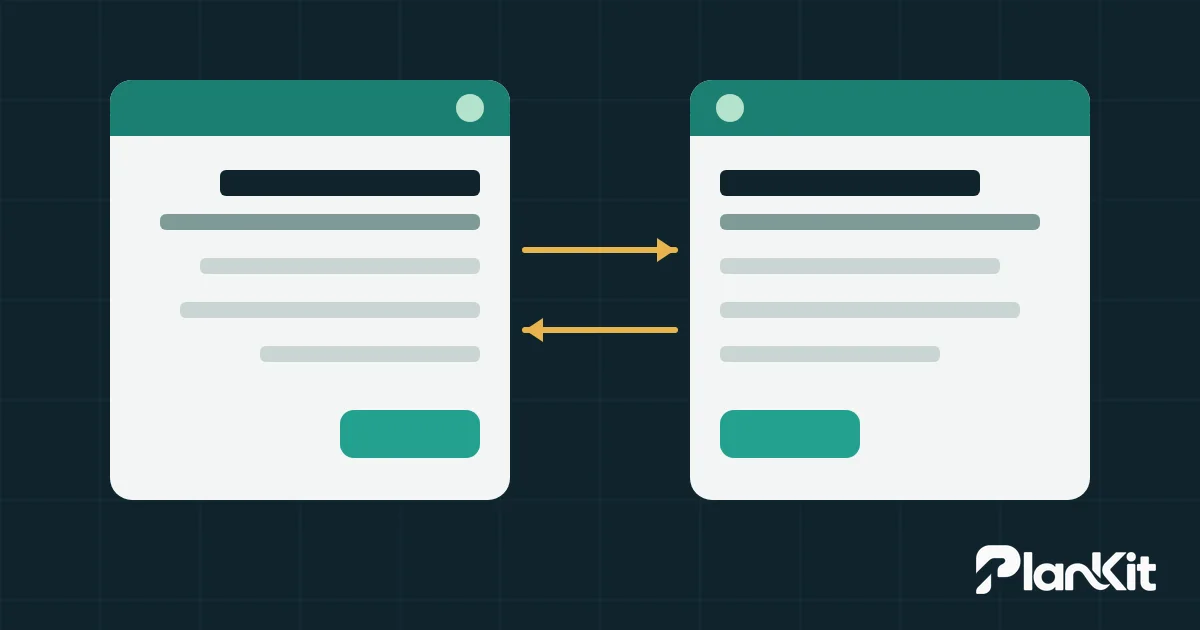
A bilingual Arabic and English website that works gives each language its own URL in its own folder, such as example.com/ for Arabic and example.com/en/ for English. It links every page to its counterpart with hreflang tags, sets the Arabic page's direction in the code rather than in the design alone, and has each language written for its own reader. Most problems on bilingual sites come from breaking one of those four.
This article sets out what to ask of your developer, designer and writer, in order: the URL structure, hreflang and canonical tags, the lang and dir attributes, right-to-left layout problems, Arabic fonts, the language switcher, and a checklist for the site before it goes live. If you are still deciding which pages the site needs, start with what turns a company website visitor into a client and come back here.
Give each language its own URL, and use subfolders on a company site
Every language needs its own address. Switching the language on one URL with a button or a cookie leaves search engines with one page to crawl. Google's guide to multi-regional and multilingual sites recommends separate URLs for each language version instead of cookies or browser settings, and it compares four structures:
| Structure | Example | What Google's guide says |
|---|---|---|
| Country domain | example.sa | Clear geotargeting, but expensive and sometimes unavailable |
| Subdomain | en.example.com | Easy to set up, though users may not read the targeting from the URL |
| Subfolder | example.com/en/ | Low maintenance, since it is the same host |
| URL parameter | example.com?lang=en | Not recommended |
For most company sites in Egypt and Saudi Arabia, I would pick subfolders. You keep one domain, one certificate and one admin panel, and links other sites give you help the whole domain. A country domain is worth considering only when the business runs separately in each country, with its own prices, addresses and team.
Decide before design which language sits at the root. If most customers search in Arabic, put Arabic at the root and English under /en/. Do not change it after launch: every moved URL needs a permanent redirect, and pages take time to settle in search while Google learns the new addresses.
Hreflang and canonical tags tell Google which page to show to which reader
An hreflang tag is a line in the page code telling Google that the page has a version in another language, and where it lives. Without it, your English page may show up for someone searching in Arabic, or the other way round. Google's page on localized versions describes three equivalent ways to add it: in the page head, in an HTTP header, or in the sitemap.
The rule that breaks most sites is that the links have to go both ways. Google says each language version must list itself as well as every other version, and that the tags are ignored when two pages do not point to each other. So the Arabic page for a service carries two lines, one pointing to itself with ar and one to the English page with en, and the English page carries the same two lines.
- Language codes: Google accepts ISO 639-1 language codes, optionally followed by an ISO 3166-1 region code, such as
ar-EGorar-SA. A country code on its own is not valid. - Egypt and Saudi Arabia: use plain
arif one Arabic page serves both countries. Create separatear-EGandar-SAversions only when the content really differs, for example in prices, phone numbers or addresses. - x-default: Google uses it when no version matches the visitor's browser language. Point it at your main language.
- Canonical: each page should name itself. Google's guide to duplicate URLs asks for a canonical page in the same language, or the best substitute language. The usual mistake is an Arabic page naming the English one as canonical, which drops the Arabic page from search.
The two versions will not be treated as duplicate content. Google says localized versions count as duplicates only when the main content is left untranslated. The rest of the indexing checks are in a technical SEO checklist for any company website.
The lang and dir attributes set the page language and direction in code
Put the language and direction on the first tag of the page: <html lang="ar" dir="rtl"> for Arabic and <html lang="en" dir="ltr"> for English. The W3C's guidance on declaring language says to always set lang on the html tag, and its guidance on right-to-left text says to set the base direction with the dir attribute in markup, not with CSS.
You may hear that Google ignores lang. That is true: Google says it reads the language from the visible content. The attribute is there for another reader. MDN explains that lang exists mainly so screen readers pronounce text correctly, and that the WCAG accessibility standard requires the page language to be declared, along with any parts in another language.
So when a full English sentence appears inside an Arabic page, such as a long product name or a quote, wrap it in an element with lang="en". Text typed by visitors or pulled from a database, like comments and customer names, gets dir="auto", which MDN recommends for text whose direction is not known in advance.
Right-to-left layout problems and how to avoid them
Most Arabic layout problems come from a design drawn for English and then flipped. A full flip breaks things that should stay put, and a partial one leaves things pointing the wrong way. Go through these with your designer and developer:
- Spacing and alignment: ask for CSS logical properties, which use the start and end of a line instead of left and right. MDN explains that they follow the writing direction of the content, so one stylesheet works for both languages.
- Icons: the Material Design bidirectionality guidelines mirror icons that show direction, such as back and forward arrows. Clocks and circular refresh icons stay as they are, because clocks still turn clockwise in Arabic, and so do media playback buttons and progress bars, and icons with no direction, like a camera.
- Phone numbers and times: the same guidelines keep them left to right inside an Arabic page. Set the phone field in your forms to LTR, as covered in how many fields a lead form needs.
- Which digits: the W3C's Arabic layout requirements list Egypt and Saudi Arabia among the countries that use Arabic-Indic digits, while many sites in both use Western digits. Pick one style for the whole site, and accept both in form fields.
- Mixed sentences: an English word at the end of an Arabic sentence can push the full stop or question mark to the wrong side. The W3C describes this and suggests the
bdielement for inserted text such as a name or an order number, so it does not change the direction around it. - Images: an image with text or an arrow in it needs a version per language. A logo is never mirrored.
Test the Arabic page on a phone before a large screen. Side menus and sliders break most often, because their movement is set in one direction in the code.
Arabic fonts need more line spacing than English ones
Choose an Arabic typeface made for screens, and give it more line height than the English text. The same W3C document notes that Arabic ascenders and descenders extend much further than Latin ones, so spacing that suits English leaves Arabic lines cramped. Avoid justifying long text by stretching letters (kashida): the document warns that heavy use of it makes the text look uneven.
When an Arabic and an English font share a line, check that both look about the same size, that both come in a bold weight, and that the licence covers use on a website. Those tests are set out in choosing brand colors and fonts for the Arabic market.
Write each language for its reader, and never publish raw machine translation
Write the English page for an English reader and the Arabic page for an Arabic reader, with the same facts in each language's own phrasing. Machine translation is fine as a first draft. Published as it is, it reads as translated and puts the site at risk: Google's spam policies list producing many pages through automated transformations, translation included, with little value to users as scaled content abuse.
Do not translate the menus and buttons and leave the body in one language either. Google's multilingual guide says translating only the template while most of the content stays in one language makes a poor experience. If a page is not ready in a language, hold back that version.
Each language also needs its own keyword research. A Saudi customer may name a service differently from an Egyptian one, and an English speaker searches with terms that do not come from translating the Arabic. The method is in how to do keyword research in Arabic, and the same tools work for English with the language and country changed.
The language switcher should open the same page in the other language
A visitor who taps the Arabic option on an English service page should land on the same service page in Arabic, not on the home page. Google recommends visible links to the other language versions of a page and advises against redirecting automatically by browser language, since that can stop both visitors and crawlers from reaching every version.
- Write each language's name in that language, so the English page offers the Arabic name and the Arabic page offers "English". In my view, flags do not belong here: a flag stands for a country, and Arabic is the language of many.
- Put the switcher somewhere fixed that people find on a phone, such as the top bar or inside the menu.
- If a page has no version in the other language, hide the switcher there or point it to the closest page, and remove any hreflang tag pointing at a page that does not exist.
- Remember the visitor's choice if you like, but do not redirect anyone automatically on a first visit.
A checklist before you launch a bilingual Arabic and English website
Run these checks on at least ten pages in each language, including the home page, a service page, the contact page and an article:
| Check | How to test it |
|---|---|
| Each language has its own URL | Open an English page and paste the URL into another browser. It should open in English |
| Hreflang goes both ways | View the code of both pages and confirm each lists itself and the other |
| Canonical in the same language | The Arabic page names itself, not the English one |
| lang and dir on the html tag | ar and rtl on Arabic pages, en and ltr on English ones |
| No automatic redirect | Open the site from a browser set to English. It should stay on the URL you asked for |
| Switcher opens the same page | Tap it on a service page and an article and confirm you reach the counterpart |
| Icons and numbers | Arrows mirrored in Arabic; clocks, phone numbers and video controls unchanged |
| Forms | Phone field is LTR, accepts Arabic-Indic and Western digits, and errors appear in the page language |
| Fonts and spacing | Read a long paragraph on a phone in both languages without zooming |
| Title and description per language | The search title and description are written in the page's language |
| Sitemap | Lists URLs in both languages, and any hreflang in it matches the pages |
| Written, not machine translated | Someone fluent in each language read the main pages before launch |
If you are adding a second language to an existing site, every old URL that moves needs a permanent redirect to its new address before launch. The plan for moving URLs without losing your Google rankings is in when does your company need a website redesign.
Your next step
Open one service page on your site now, tap the language button, then view the code of both pages and search for hreflang. In five minutes you will know whether each language has its own URL, whether the switcher keeps you on the same page, and whether hreflang points both ways. Then print the checklist and hand it to whoever builds the site before design starts. If you are building a new bilingual site or fixing an existing one, that is part of PlanKit's corporate website design service, and you can start from the corporate website request page.